Website Downtime and SEO: A New Status Page Tool for Site Owners
When a website goes down, two audiences start asking questions at once.
Customers want to know whether the problem is theirs or yours. Search engines want a stable response that tells them your pages still exist. If both audiences meet errors, silence, or conflicting information, a technical incident can quickly become a customer-support problem—and, when failures persist, a search visibility problem.
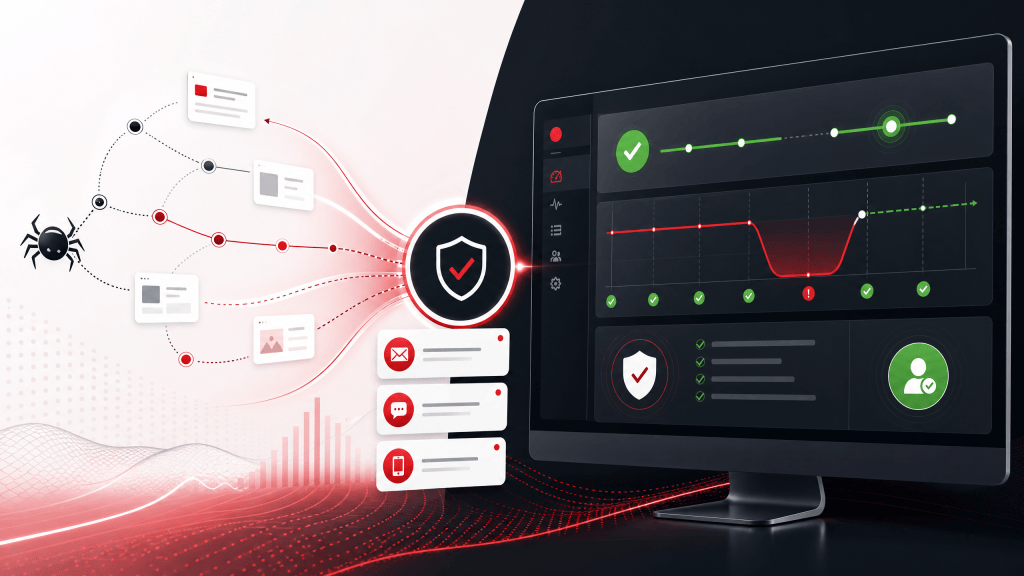
That is why we are introducing a clearer website-owner journey on Status Is Down. Website owners can now add a domain, verify ownership, review outage signals, publish official updates, and create a dedicated public status page from one guided flow.
Add your website to Status Is Down →
Can website downtime hurt SEO?
A brief outage does not automatically erase years of search visibility. Persistent server failures are different.
Google explains that 5xx server errors cause its crawlers to temporarily slow down. Already indexed URLs may be preserved at first, but URLs that continue returning server errors can eventually be dropped. When a server resumes successful 2xx responses, Google gradually increases crawling again.
For large sites, response stability matters to crawl capacity too. Google says that higher latency, longer response times, 5xx errors, and 429 rate-limiting responses can reduce the number of connections its crawlers use. Consistently healthy and efficient pages allow crawl capacity to increase over time.
A public status page is not a shortcut to higher rankings. Its SEO value is operational: it gives customers a reliable answer during incidents, supports clearer branded status searches, and helps the business communicate while engineers restore the affected site.
The immediate SEO priority during an outage remains straightforward: restore the affected pages, return accurate HTTP status codes, keep sitemaps current, and avoid serving error messages with a misleading 200 response.
The customer-support cost of silence
During downtime, visitors rarely know whether the fault is their connection, device, account, payment, or the service itself. Without a clear source of truth, they refresh repeatedly, open support tickets, post complaints, and search social networks for confirmation.
Atlassian recommends a dedicated status page as the primary incident-communication channel because it gives customers and colleagues a clear source of truth. It can also let users subscribe for updates, reducing the burden on support teams while responders focus on fixing the incident.
PagerDuty similarly describes a status page as a customer-trust tool: a place to show current status, affected components, incident history, and subscription options in clear, non-technical language.
The lesson for website owners is simple: do not design your outage communication after the outage has already started.
New on SID: a website-owner status-page workflow
Status Is Down now gives website owners a guided way to establish that communication channel before the next interruption.
1. Add your domain
Start with the domain you own. Status Is Down maintains a directory of 2M+ websites across 139 countries, helping people find a dedicated availability profile when they search for a website’s status.
2. Verify ownership
Choose business email, a DNS TXT record, or a homepage meta tag. Verification unlocks website-owner controls while helping prevent unauthorized claims.
3. Review outage signals
Verified owners can review user-submitted reports, comments, and monitoring signals related to their website. That context can help support and operations teams understand what customers are experiencing.
4. Respond officially
Owners can publish official updates so visitors do not have to interpret scattered comments or guess whether the business is aware of the issue.
5. Publish the right status experience
The free option provides a dedicated SID-hosted status page with continuous SID monitoring and a shareable URL. No credit card is required.
Organizations that need their own branding can choose the $19.99/month white-label option, replace the SID logo, use an address such as status.yourdomain.com or yourdomain.com/status, and present an ad-free customer experience. Domain verification and DNS or server configuration may be required.
Create a free website status page →
A practical downtime communication checklist
Before an incident:
- Choose the public source of truth. Decide which status URL customers and support agents should share.
- Verify domain ownership. Complete verification before you urgently need to publish an update.
- Use customer-facing component names. “Checkout” or “Account login” is clearer than an internal infrastructure code name.
- Prepare message templates. Create short drafts for investigating, identified, monitoring, and resolved states.
- Link the status page from support channels. Include it in help-center articles, support replies, and relevant social profiles.
During an incident:
- Acknowledge the issue quickly. If the cause is unknown, say that the team is investigating.
- Describe customer impact. Explain what visitors may be unable to do.
- Avoid unsupported estimates. Give the time of the next update rather than guessing a recovery time.
- Keep updates consistent. A short, timestamped update is better than prolonged silence.
- Close the loop. Confirm recovery and state what customers should do if problems continue.
What a status page can—and cannot—do for SEO
A status page cannot keep an unavailable storefront, publication, or application in Google’s index by itself. It cannot replace resilient hosting, correct caching, or accurate HTTP responses.
It can improve the wider experience around downtime:
| During an outage | Without a status page | With a prepared status page |
|---|---|---|
| Customer searches | Conflicting posts and repeated refreshes | One shareable source of truth |
| Support demand | Duplicate “Is it down?” tickets | A consistent link and update cadence |
| Brand trust | Silence can look like inattention | Verified, timestamped communication |
| Recovery | Users may not know service is back | A clear resolution update |
| Search operations | Teams may overlook crawler failures | Owners are prompted to monitor response health and availability |
For search teams, the technical recovery checklist still matters most: investigate server errors in Search Console, test representative URLs, keep canonical pages and sitemaps accurate, and confirm stable responses after the fix. For support teams, the status page becomes the communication layer that keeps customers informed while that work happens.
Frequently asked questions
Is it free to add my website?
Yes. Adding and verifying a website is free. The SID-hosted status-page option is also free and does not require a credit card.
Will adding my website guarantee better Google rankings?
No service can guarantee rankings. Adding a website creates an indexable availability profile and a clearer incident-communication path, but search performance still depends on content quality, technical SEO, site reliability, relevance, and many other factors.
Can I publish updates as the website owner?
Verified owners can respond officially and use owner tools associated with their domain.
Can the status page use my own logo and domain?
Yes. The white-label plan supports custom branding and a custom address such as status.yourdomain.com or yourdomain.com/status. It is ad-free and currently costs $19.99 per month.
When should I create a status page?
Before the next outage. Verification, internal ownership, message templates, and support links are easier to prepare while the website is healthy.
Build trust before downtime happens
Downtime is already stressful. Customers should not have to investigate it alone, and support teams should not have to answer the same question hundreds of times without a shared reference.
Add your domain, verify ownership, and prepare a status page that customers can use when availability matters most.
Add your website free on Status Is Down →