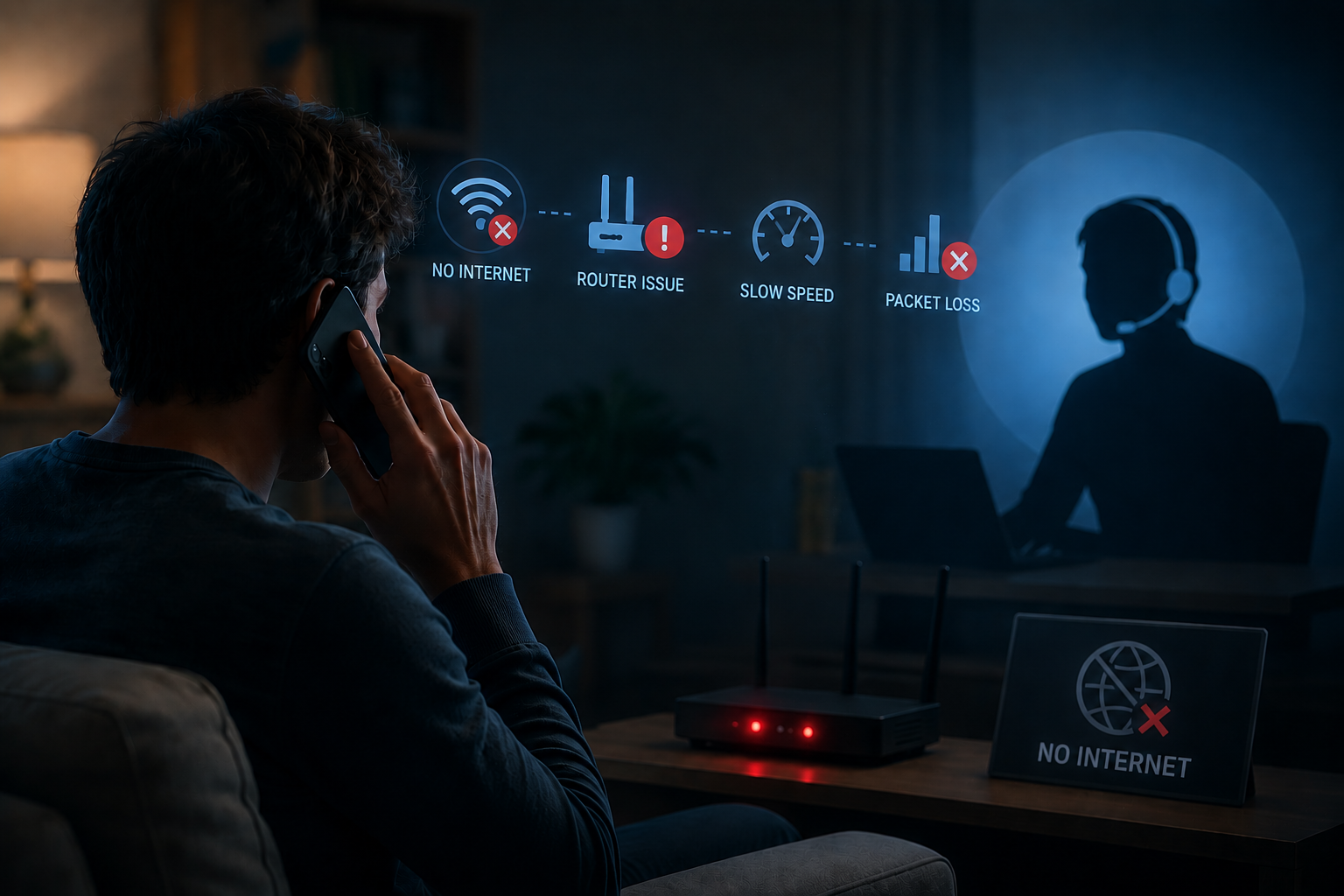
Internet down? How to actually make sense of what customer support is telling you
The internet is a central part of our lives, and we depend on it constantly. But the truth is, internet disruptions are incredibly common. Since 2024, Status Is Down has tracked more than 3,400 reports involving internet and telecommunications services, and our data show how often things go sideways.
When your internet dies mid-Zoom call or your game starts rubber-banding, the last thing you want is a support agent firing jargon at you. Those terms aren’t random, they are part of a checklist agents use to isolate exactly where your connection is breaking.
Knowing what these terms mean lets you skip the scripted questions, explain your problem clearly, and get to a real fix faster.
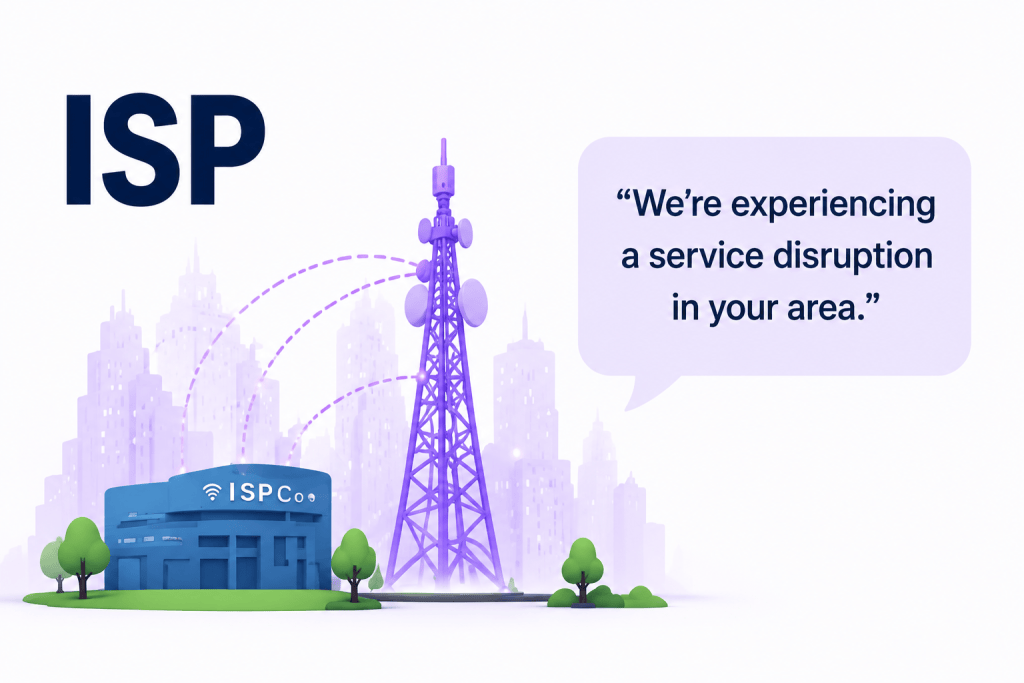
- What it is: Your ISP is the company you pay for internet access (like T-Mobile, AT&T, Verizon, or Spectrum). They own the physical network, including fiber lines, neighborhood nodes, distribution hubs, and the infrastructure that connects your home to the wider web.
- What support will say: “We’re experiencing a service disruption in your area.”
- What it means: A fault exists outside your home. A fiber line may be cut, a node may be down, or a routing center may have failed. Nothing inside your house can fix this.
- How they fix it: Field engineers repair the physical infrastructure. Support agents simply monitor the internal ticket until the outage is resolved.
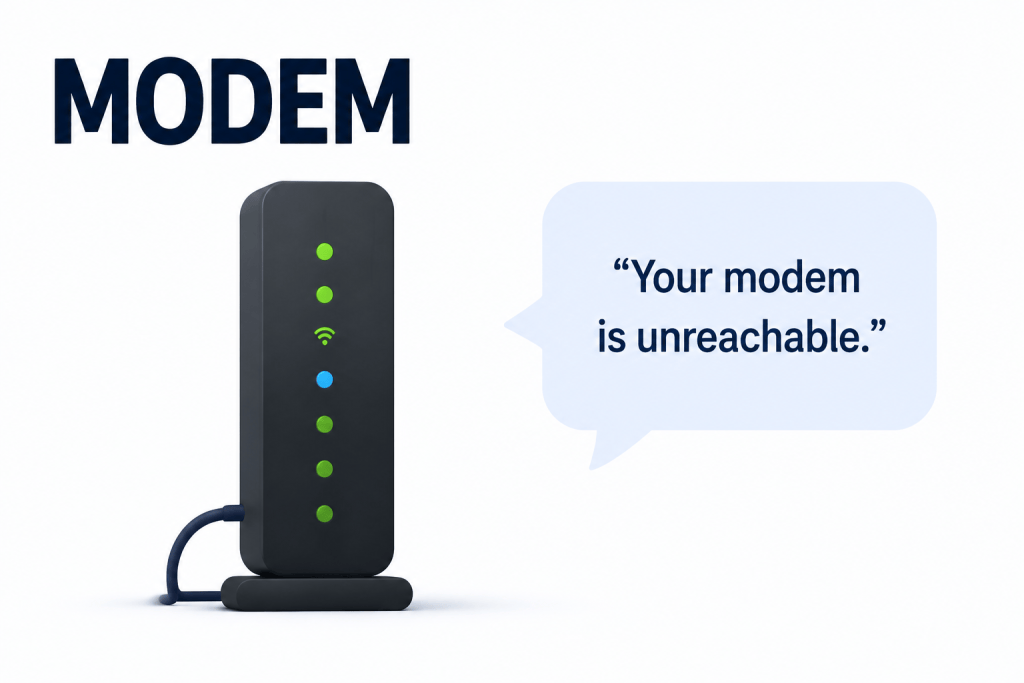
- What it is: The modem is the translator between the ISP’s signal and your home network. It converts raw fiber or coaxial signals into digital data your devices can understand.
- What support will say: “Your modem is unreachable.”
- What it means: Either the line to your home is damaged, or the modem hardware has failed. Even if your Wi-Fi shows full bars, the modem may not be passing any real data through from the street.
- How they fix it: They’ll try a remote reset from their dashboard. If it stays offline, they schedule a technician visit to replace the hardware or repair the physical drop line outside.
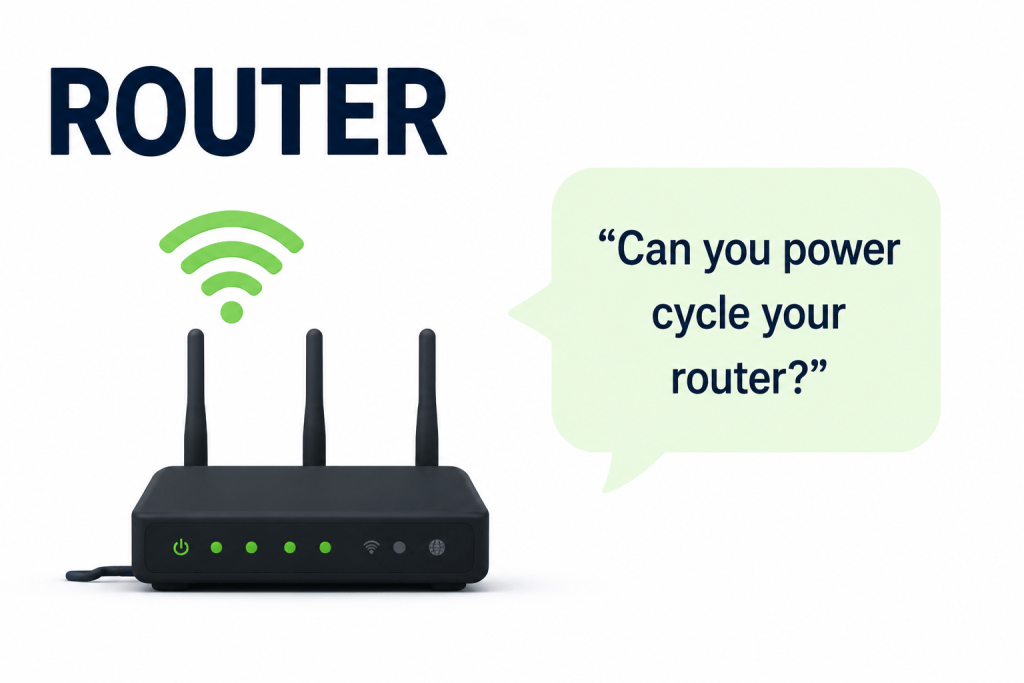
- What it is: The router distributes the internet from your modem to all your devices, whether wired or wireless. It’s the traffic controller of your home network.
- What support will say: “Can you power cycle your router?”
- What it means: Most likely, this is the very first thing support will ask you to do. Routers run nonstop and their temporary memory gets cluttered with digital junk. A reboot clears the cache and resets the Wi-Fi broadcast.
- How they fix it: They’ll walk you through a 30-second power cycle. If issues persist, they may guide you through a factory reset or recommend a firmware update.

- What it is: A single box that contains both the modem and router. ISPs often provide these to simplify setup. If you only have one blinking box instead of two, you have a gateway.
- What support will say: “Let’s reset your gateway.”
- What it means: Rebooting it resets both your incoming street signal and your internal Wi-Fi network at the exact same time.
- How they fix it: Agents can reboot it remotely over the network, push a factory wipe, or ship you a replacement unit if the hardware itself is corrupted.
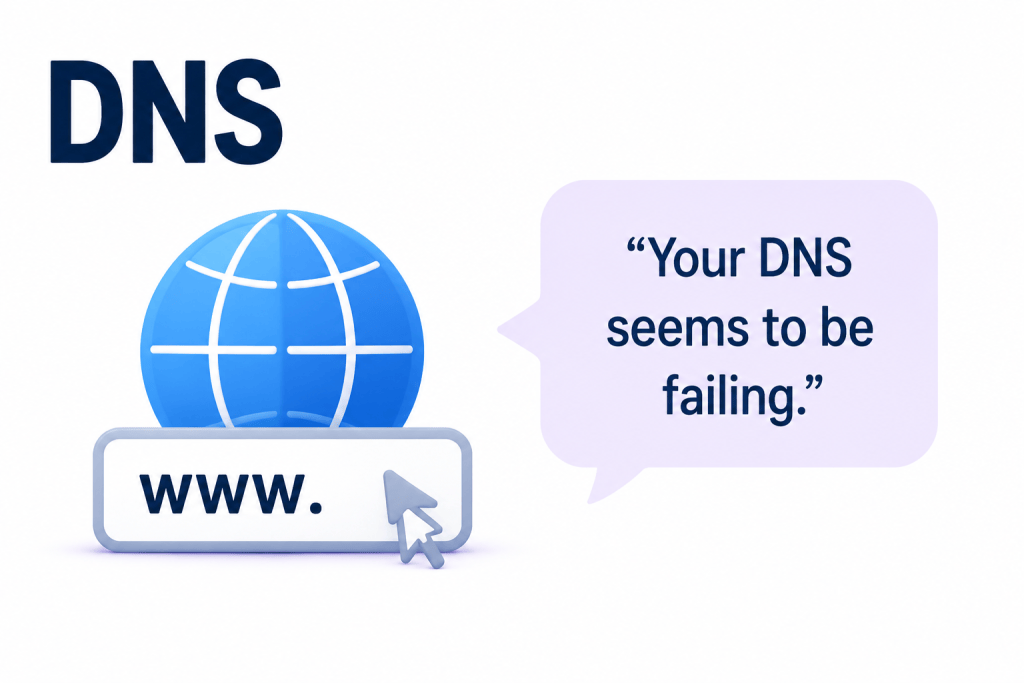
- What it is: DNS is the internet’s phonebook. It converts user-friendly website names (like google.com) into numerical IP addresses that computers understand.
- What support will say: “Your DNS seems to be failing.”
- What it means: Your internet line is fine, but your device can’t look up website addresses. Apps may still work normally because they often connect directly via backend IP addresses.
- How they fix it: They’ll guide you to manually switch your device settings to a public DNS like Google (8.8.8.8) or Cloudflare (1.1.1.1) until the ISP’s main DNS servers recover.
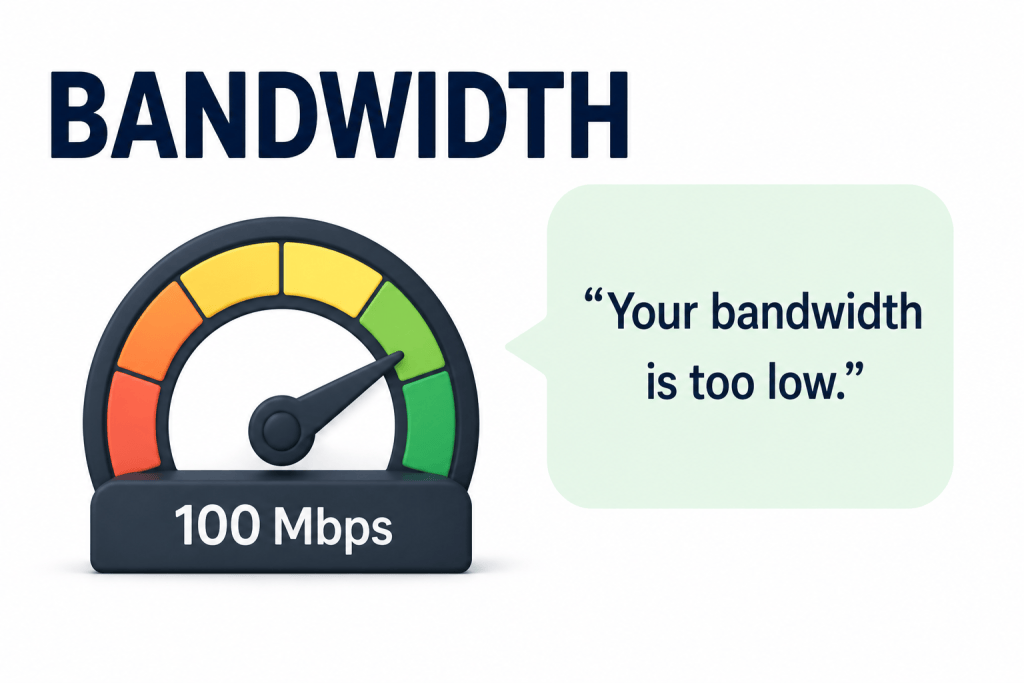
- What it is: Bandwidth is the maximum amount of data your connection can handle at one moment. It’s the size of the physical pipe, not the speed of the water.
- What support will say: “Your bandwidth is too low. How many devices are connected right now?”
- What it means: Your household is experiencing bandwidth congestion by using more data than your plan can handle at once, such as 4K streaming, game downloads, cloud backups, and other heavy use.
- How they fix it: There is no technical glitch for an engineer to repair here. They’ll simply advise you to pause heavy usage or upgrade your account to a higher-capacity plan.
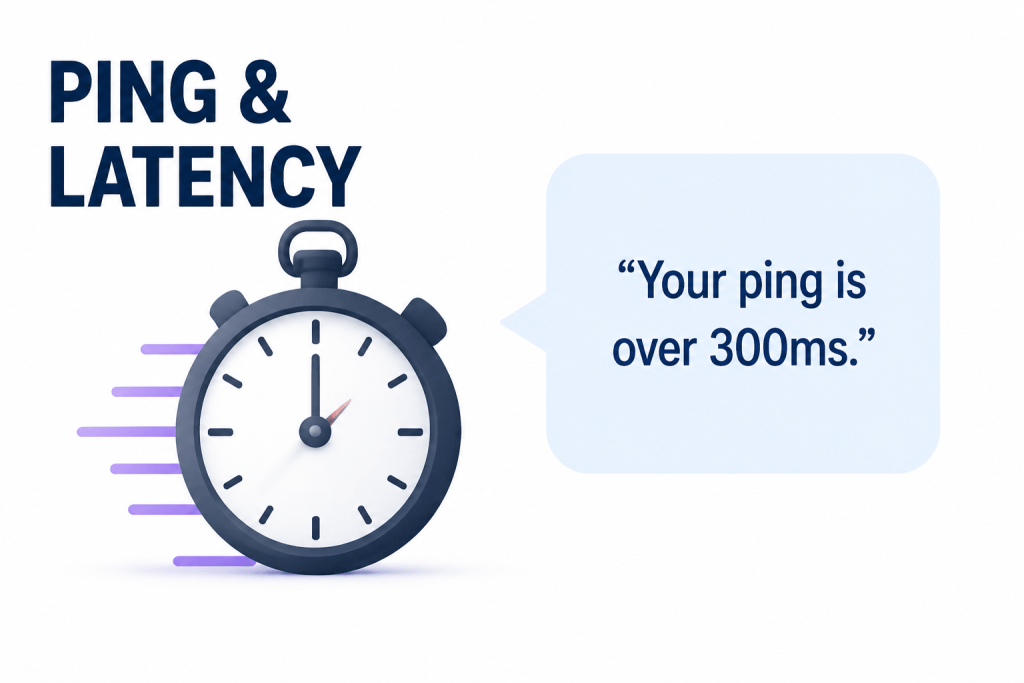
- What it is: Latency is the actual delay in sending data to a server and back. Ping is the test signal used to measure that delay in milliseconds.
- What support will say: “Your ping is over 300ms. / Your ping and latency is too high.”
- What it means: Your connection isn’t down, it’s just incredibly slow to respond. This causes lag, rubber-banding, and delayed actions in games or video calls.
- How they fix it: They’ll run a trace-route test to see exactly where the slowdown occurs. If it’s inside your home, they’ll suggest an Ethernet cable or a router reset. If it’s external, ISP routing engineers adjust the traffic paths across their network.
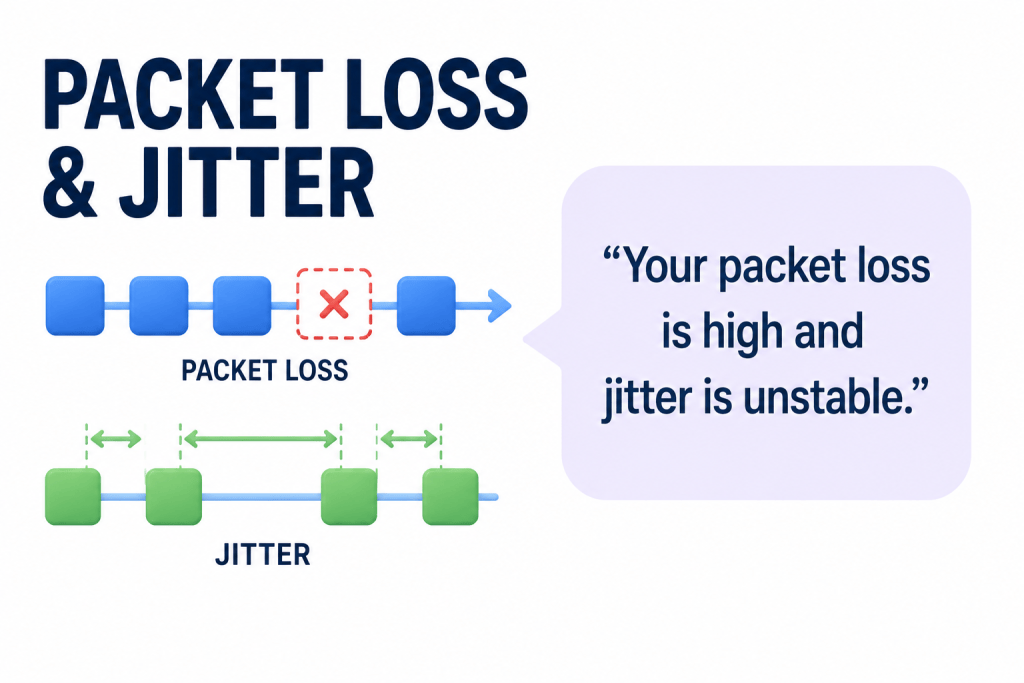
- What it is: Your data is broken into millions of tiny pieces called packets. Packet loss means some pieces disappear mid-transit. Jitter means those packets are arriving at wildly uneven intervals.
- What support will say: “I’m seeing packet loss on your line.”
- What it means: Something is physically corrupting or dropping your data. This is often due to physical line noise, damaged wall connectors, or water-logged cabling outside.
- How they fix it: They’ll check your line’s signal-to-noise ratio. If a remote reboot doesn’t clean it up, they dispatch a field technician to inspect splitters, wall plates, and outdoor utility pole cabling.
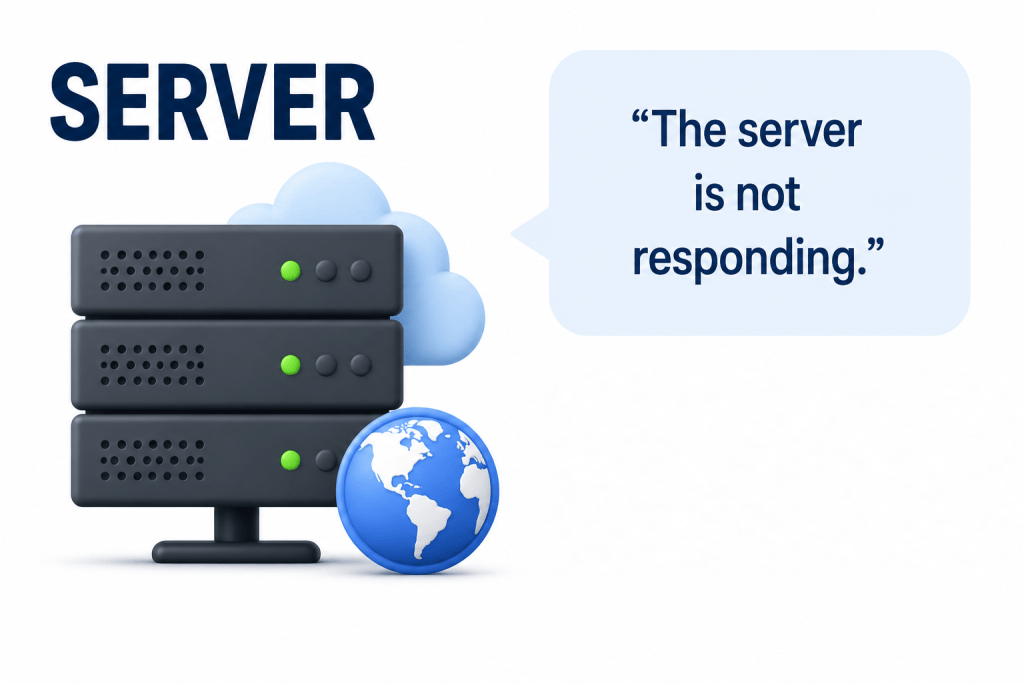
- What it is: A server is a remote computer hosting apps, websites, or games in a data center. When you open an app, you’re requesting files directly from that server.
- What support will say: “The server is down.”
- What it means: Your home network and your ISP are completely fine, because the app or website itself has crashed. Services like Instagram, Discord, ChatGPT, or specific game servers may be offline globally.
- How they fix it: They can’t. Only the internal dev teams and systems engineers running that specific platform can deploy a fix to restore it.
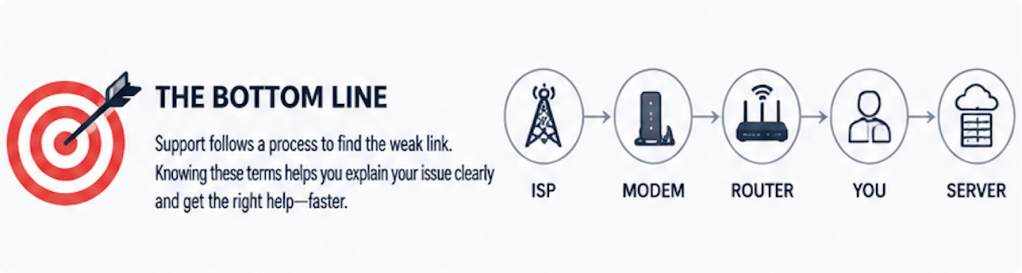
Customer support isn’t trying to confuse you, they’re isolating the broken link in the chain using a basic process of elimination. Knowing these terms helps you skip repetitive troubleshooting steps, describe your issue clearly, and get your ticket escalated to higher-tier technicians faster.
If you are currently staring at a flashing red light on your equipment and want to fix it without spending an hour listening to automated hold music, check out our step-by-step home internet troubleshooting guide to isolate and resolve the issue yourself!