
Can a heatwave break your Wi-Fi… and make it Wi-Fry?
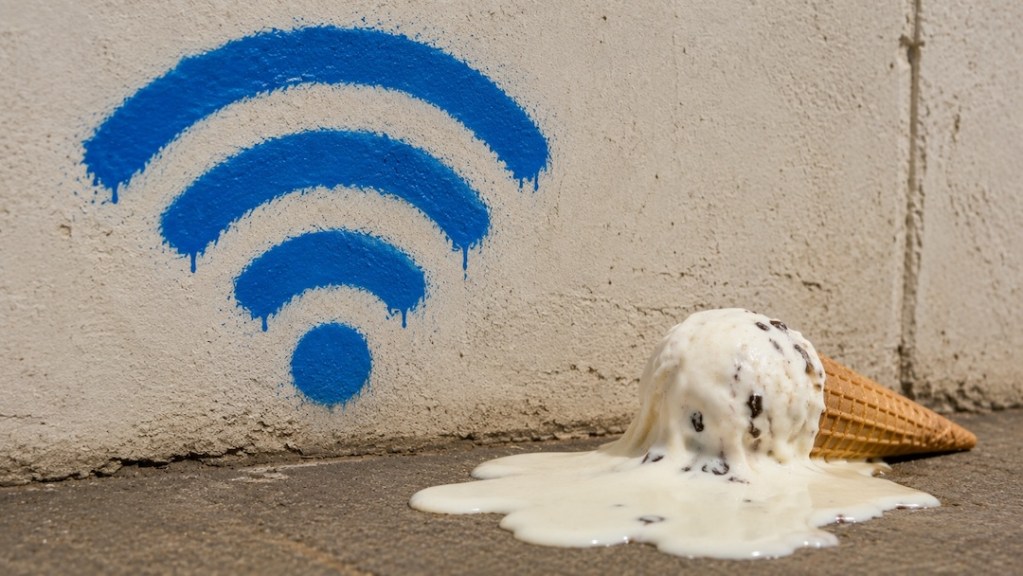
When temperatures soar, most people expect to deal with sweaty commutes, overheated laptops, or phones flashing temperature warnings. Wi-Fi probably isn’t the first thing that comes to mind. Yet during heatwaves, your home internet can sometimes become slower, less reliable, or even drop out altogether.
While the internet itself isn’t melting in the sun, the equipment that keeps your connection running can struggle in extreme heat. Here’s how a heatwave can affect your Wi-Fi, and what you can do to stay connected.
- Your router can overheat
Your Wi-Fi router is essentially a small computer that’s designed to run around the clock. Like any electronic device, it generates heat while operating.
During a heatwave, especially if your router sits in direct sunlight or inside a poorly ventilated cabinet, internal temperatures can climb beyond what it’s designed to handle. To protect itself, the device may automatically reduce performance, restart unexpectedly, or temporarily shut down until it cools.
What you can do:
- Move the router away from windows and direct sunlight.
- Keep it in an open, well-ventilated space.
- Avoid stacking other electronics on top of it.
Manufacturers such as Google recommend operating Wi-Fi equipment only within specified ambient temperatures (typically 0–35°C / 32–95°F) and keeping devices away from heat sources and direct sunlight.
- Your modem and networking gear face the same problem
Your router isn’t the only device that dislikes extreme temperatures. Cable modems, fiber network terminals (ONTs), Wi-Fi mesh nodes, and switches can all experience thermal stress.
If one component overheats, your entire home network may suffer, even if the router itself is functioning normally.
Signs to watch for:
- Frequent disconnects
- Flashing warning lights
- Unexpected reboots
- Slower-than-normal speeds
- Internet providers can also feel the heat
Heatwaves don’t just affect homes. Internet service providers (ISPs) operate equipment inside outdoor cabinets, street-side enclosures, cellular towers, and data facilities.
Although these systems are built to withstand high temperatures, prolonged heat can still reduce efficiency or trigger equipment failures if cooling systems become overwhelmed.
This can lead to:
- Localized internet outages
- Slower broadband speeds
- Increased network congestion while repairs are carried out
- Power outages can knock your Wi-Fi offline
Heatwaves often drive electricity demand to seasonal highs as millions of people switch on air conditioners.
If the electrical grid becomes overloaded, some areas may experience blackouts or rolling power outages. Even a brief interruption is enough to disconnect your modem and router, cutting off your internet connection.
If you rely on the internet for work or emergencies, an uninterruptible power supply (UPS) can keep networking equipment running for a limited time.
- More people staying indoors can slow networks
Scorching weather encourages people to spend more time inside streaming movies, gaming, attending video meetings, or scrolling social media.
That surge in internet activity can create congestion, particularly during evenings when many households are online simultaneously.
While your Wi-Fi signal may be perfectly healthy, the broadband network itself may become busier than usual.
- Wireless interference can become more noticeable
Heat doesn’t directly interfere with Wi-Fi radio signals, but heavy network usage during hot weather can make interference more noticeable.
Apartment buildings, offices, and densely populated neighborhoods may have dozens of nearby routers competing for the same wireless channels, resulting in:
- Slower downloads
- Higher latency
- Video buffering
- Choppy video calls
Switching to the 5 GHz or 6 GHz band, if your router supports it, may help reduce congestion.
- Older networking equipment is more vulnerable
Modern routers typically include improved cooling designs and thermal protection features. Older devices, however, often run hotter and may struggle during prolonged periods of extreme heat.
If your router is several years old and repeatedly disconnects during hot weather, the issue may be hardware-related rather than your internet service.
- Outdoor internet equipment isn’t immune
Some homes rely on outdoor networking hardware, including wireless receivers, satellite internet equipment, or fixed wireless antennas.
Although these devices are built for outdoor use, prolonged exposure to intense sunlight and high temperatures can accelerate wear over time, particularly if they’re installed without adequate shade or ventilation.
- Heat can shorten electronics’ lifespan
Even if your Wi-Fi keeps working during a heatwave, sustained exposure to high temperatures isn’t ideal.
Electronic components generally age faster when operated under prolonged heat, potentially reducing the lifespan of routers, modems, and other networking equipment.
Keeping devices cool throughout the year may help improve their long-term reliability.
- A few simple steps can help keep your Wi-Fi stable
You can’t control the weather, but you can reduce the chances of heat-related connectivity problems.
Here are a few practical tips:
- Place your router somewhere cool with good airflow.
- Keep it away from direct sunlight.
- Dust the ventilation openings regularly.
- Restart networking equipment if it begins acting unusually.
- Consider upgrading older hardware if overheating becomes a recurring problem.
- Use a UPS if power interruptions are common during heatwaves.
Staying Connected When Temperatures Rise
Heatwaves affect far more than comfort. They can place additional strain on home networking equipment, internet providers, and power infrastructure all at once. While many Wi-Fi problems have other causes, unusually hot weather can sometimes be the missing piece of the puzzle.
If your connection suddenly becomes unreliable during a spell of extreme heat, it may be worth checking whether your networking equipment—or your local internet provider—is simply feeling the heat too. And any time you feel your internet connection is suffering, you can check Status Is Down to learn if you’re not alone.