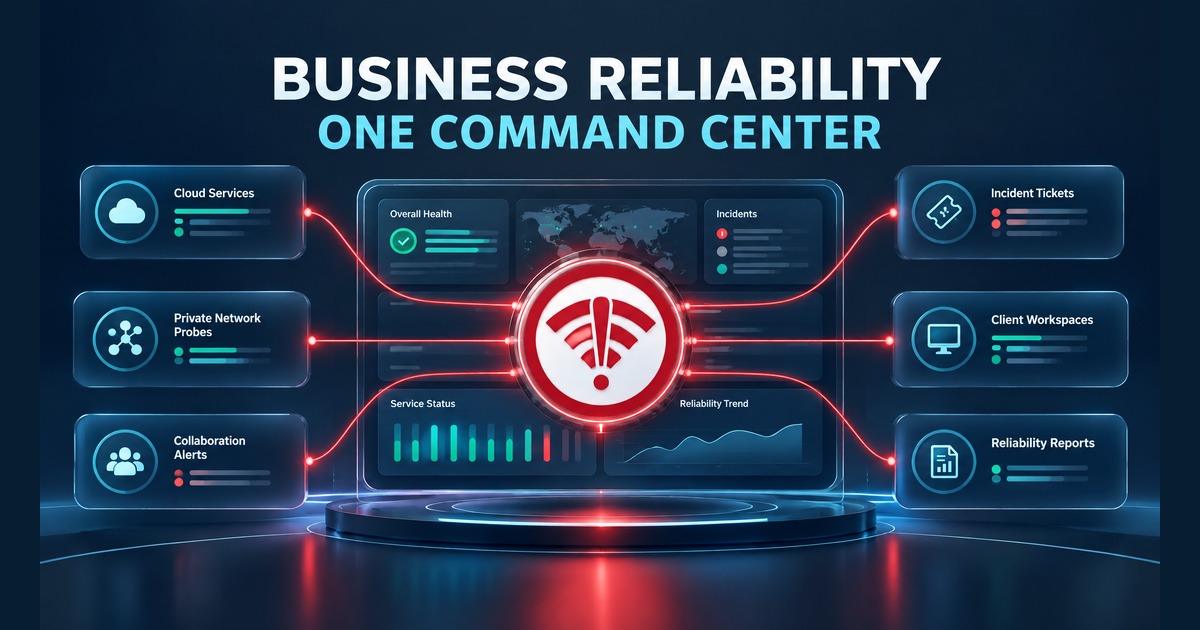
Business Outage Monitoring for IT Teams and MSPs: Meet the New SID Dashboard
When a critical service fails, the first challenge is often not the outage itself. It is working out what changed, who is affected, who should respond, and where the latest information lives.
The new Status Is Down business dashboard brings those tasks into one reliability workspace for IT, support and operations teams. It combines business dependency monitoring, incident visibility, team alerts, customer-facing status tools and scheduled reporting—without changing SID’s independent approach to outage validation.
Whether you manage one company’s technology stack or several client environments, the dashboard is designed to help your team move from outage awareness to coordinated action.
Monitor the services your business depends on
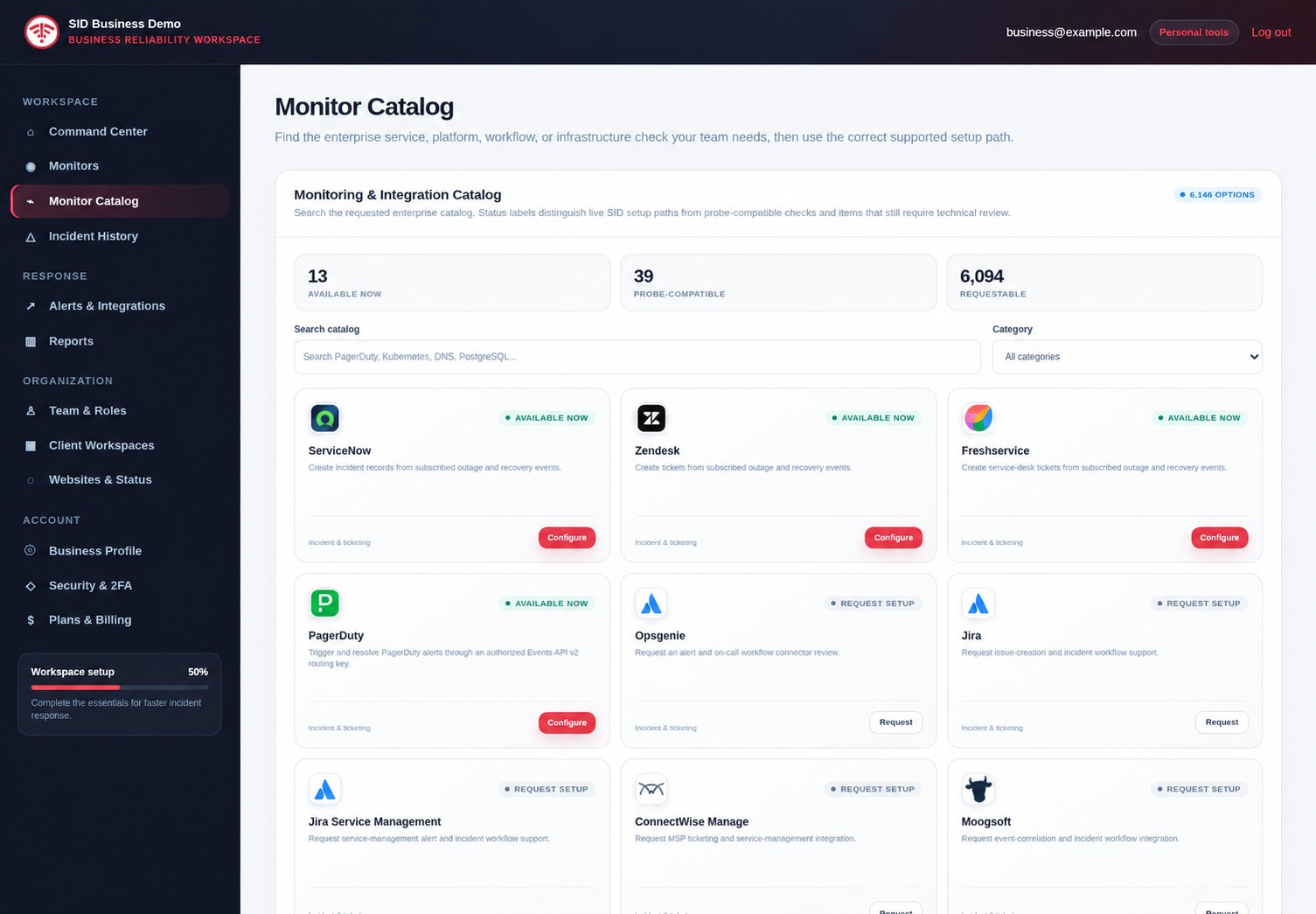
Start with the applications, cloud platforms, communications tools and vendors that matter to daily operations. The searchable Business Monitor Catalog now includes 6,186 monitoring and integration options across incident tools, collaboration workflows, cloud and tenant health, private infrastructure, internet and API checks, servers, applications, databases, logs, analytics, AI and business SaaS.
The setup labels make the implementation path explicit: 13 options are available now, 39 are compatible with a customer-controlled probe, and 6,045 can be submitted for technical review or assisted setup. Request-only entries require technical review and do not imply a preconnected integration. This business catalog is separate from SID’s broader public directory of 14,300+ monitored services. Official or familiar service marks appear where a reliable public brand domain is available.
The dashboard includes business-focused starting points for services such as Microsoft 365, Microsoft Azure, Microsoft Teams, Microsoft Copilot, Claude / Anthropic AI and Mimecast. Teams can also extend coverage to additional public services and websites as their environment changes.
Bring public, tenant and private signals into one view
Some business incidents appear on a provider’s public status page. Others affect only a company tenant, cloud subscription, office network or private endpoint. SID’s business workspace supports both scenarios.
Managed connectors can bring authorized Microsoft 365 tenant health, Azure Resource Health, ServiceNow, Zendesk, Freshservice, compatible vendor health APIs and incident-delivery tools into the workspace. For customer-controlled environments, an outbound probe can check approved HTTPS, TCP and DNS targets, as well as locally managed network checks.
This gives teams a clearer distinction between a widespread provider incident and a problem that is specific to their own environment.

Route alerts to the people and tools responsible for response
A useful alert should reach the right responder without forcing the team to watch another dashboard all day.
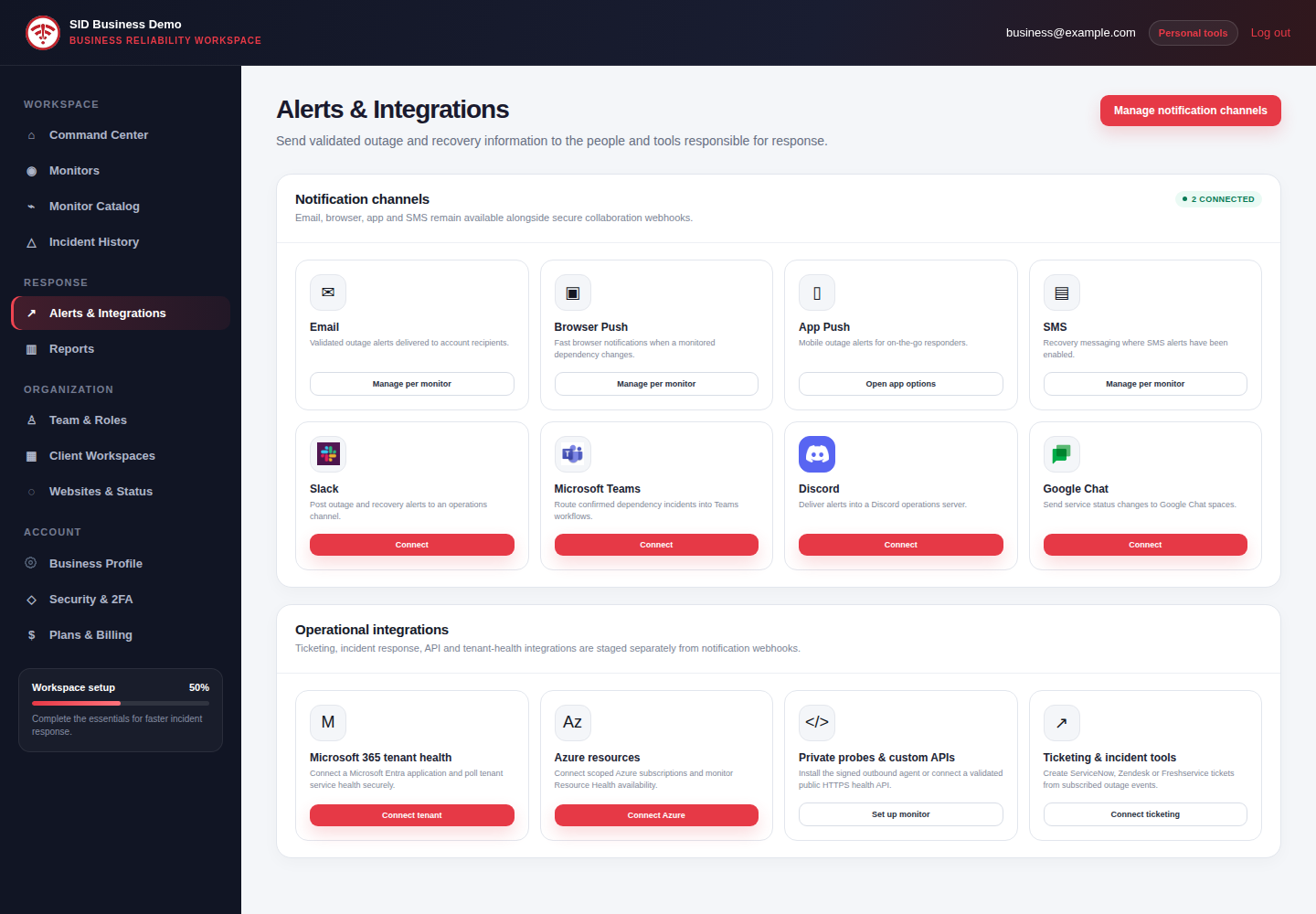
Business users can manage notifications through email, browser push, app push and SMS. Paid plans can also deliver outage and recovery updates to Slack, Microsoft Teams, Discord and Google Chat. Per-monitor settings help teams decide which channels should receive updates for each dependency.
Operational integrations can create incident records in ServiceNow, Zendesk and Freshservice, trigger and resolve PagerDuty alerts, deliver signed outage and recovery JSON to approved HTTPS webhooks, and send alerts through an authorized Telegram bot and chat. Each credentialed connection is tested before encrypted storage, helping teams incorporate external-service outages into established response workflows.
Give every responder the right level of access
The business dashboard includes workspace membership and role administration so monitoring does not depend on one shared login. Owners can invite colleagues, assign appropriate roles and remove access when responsibilities change.
For managed service providers and agencies, separate client workspaces keep monitor assignments, connected tools and client-ready reporting organized by customer environment.

Turn incident history into useful reliability reporting
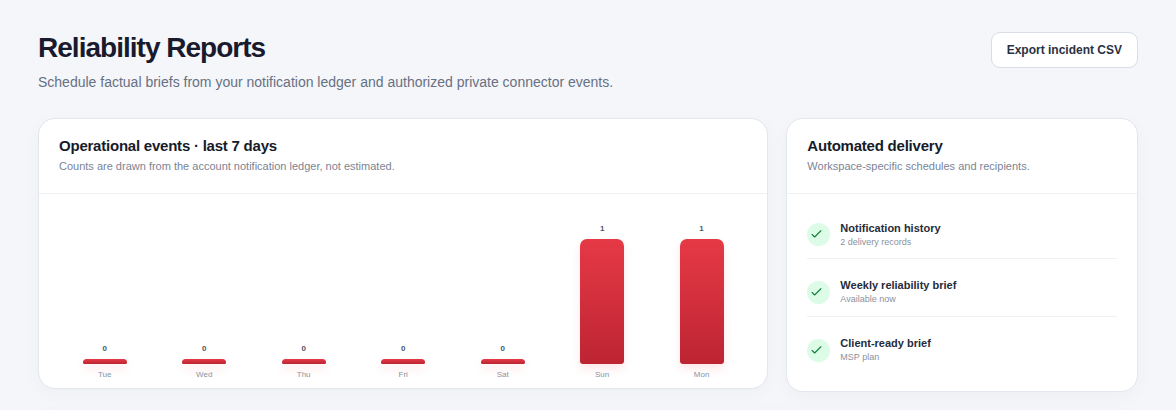
The dashboard records operational events so teams can review what happened after the immediate incident is over. Users can export incident history and schedule concise reliability briefs for internal stakeholders.
MSP accounts can also prepare client-ready briefs for individual environments. This helps operations teams share a consistent record of monitored events without rebuilding the same report manually each week.
Manage websites and customer status pages alongside service monitoring
Business accounts can bring verified website claims into the same workspace, review website metrics and publish owner status updates. Teams that need a dedicated customer communication destination can also create or activate a hosted Status Page.
This keeps internal dependency monitoring and customer-facing communication accessible from one business dashboard while preserving clear product and permission boundaries.
Start with the plan that matches your operating model
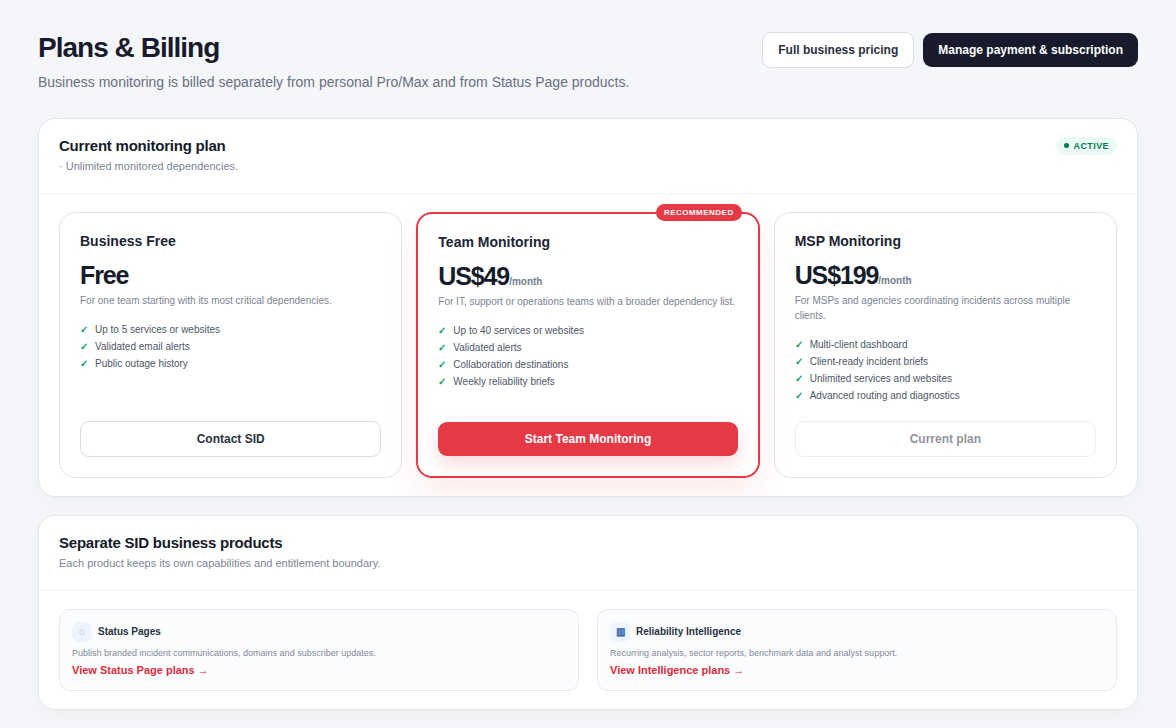
Business Free supports one team monitoring up to five essential services or websites. Team Monitoring is designed for IT, support and operations teams that need a broader dependency list, collaboration destinations and weekly reliability briefs. MSP Monitoring adds multi-client workspaces, client-ready briefs and unlimited monitored services and websites. Larger estates can discuss custom Enterprise MSP coverage.
The dashboard also gives authorized owners direct access to plan upgrades, payment management and eligible product activation.
Built for faster decisions, not more dashboard noise
The goal is straightforward: when a dependency becomes unavailable, your team should spend less time assembling context and more time making the next decision.
SID’s business dashboard provides a single starting point for monitoring critical third-party services, connecting authorized operational signals, coordinating responders, managing client environments and documenting incident history. SID’s outage reporting and validation remain independent of commercial relationships.
Explore business monitoring plans or sign up or log in to your business dashboard.
Learn more
Status Is Down business monitoring, Status Pages and reliability intelligence are available through the current SID for Business overview. Existing business users can access the workspace through the dedicated business account login.